Start free trial

Welcome to SellerAmp SAS

Let’s Get You Set Up

Welcome to SellerAmp SAS. This guide walks you through everything you need to get up and running, from setting up your account to understanding every panel, so you can start finding profitable products with confidence.

Getting Started Download Links

1

Download the SAS Mobile App

For sourcing on the go, get it from Google Play or the Apple App Store.

AndroidiOS


2

Download the Chrome Extension

Analyze products right in Chrome, on Amazon or any other site.

Install Chrome Extension


3

Explore the SAS Web App

Go to selleramp.com and explore products online.

Open Web App


How to use the Mobile App →

How to use the Chrome Extension →

How to use the Web App →

How to Use SellerAmp SAS

In these videos, we show you how to configure your settings and start sourcing, then walk you through an exact step-by-step process for analyzing a product with SellerAmp SAS.

Become an Expert on SellerAmp SAS Panels


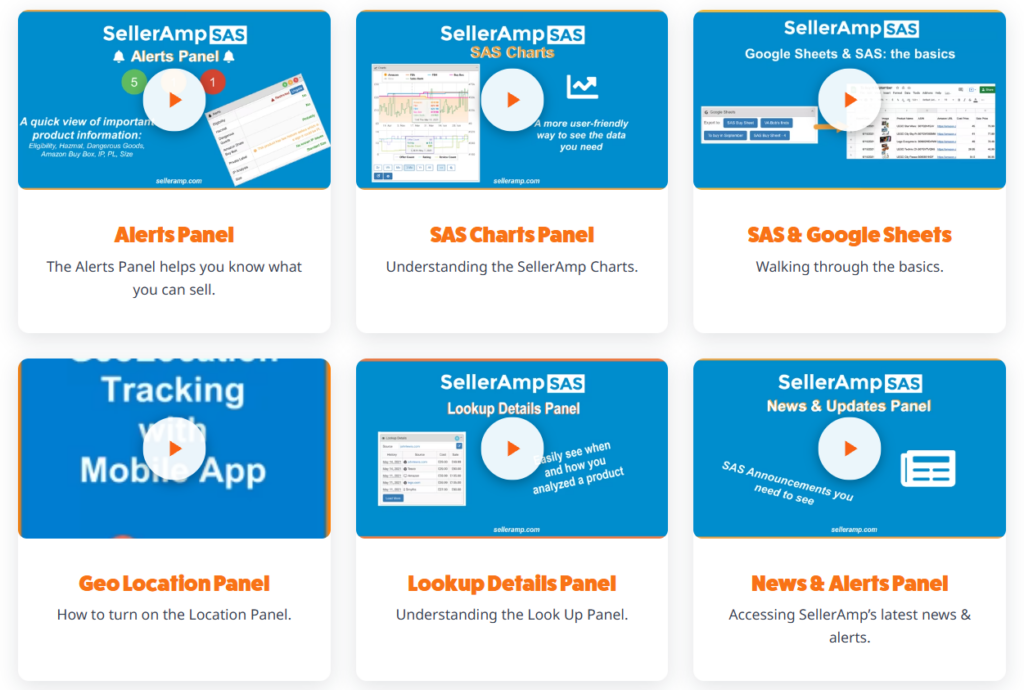
SellerAmp SAS is packed with powerful panels designed to make your sourcing faster and smarter. Each one gives you a different edge, from spotting hazmat and IP warnings instantly to reading sales history, tracking your lookups, and pricing with confidence. To help you get the most out of every panel, we’ve put together a full library of short video guides. Explore the SAS Panel Guides →

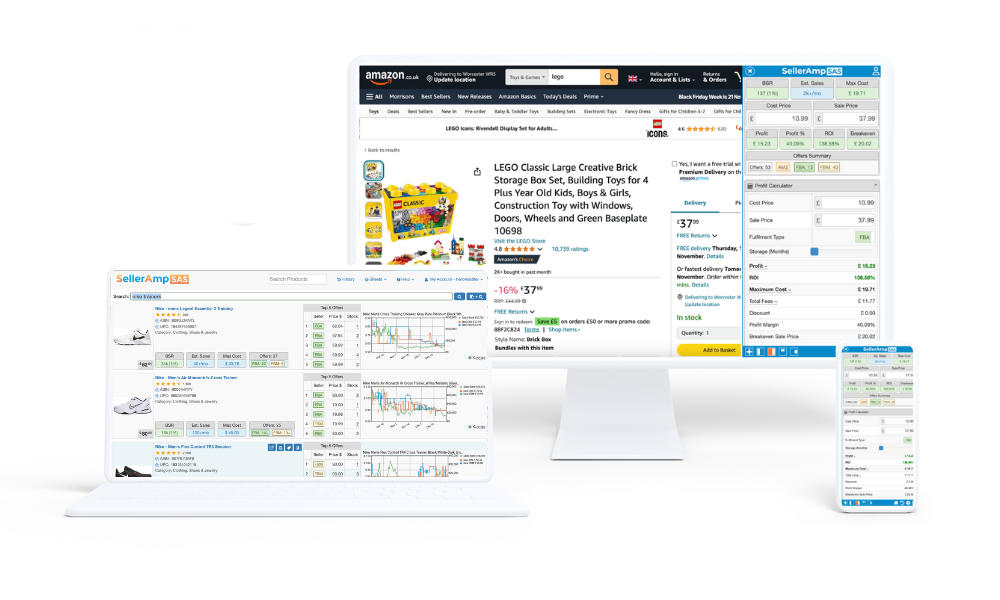
Now let’s find your first product.

You know your way around SellerAmp SAS. Next, we’ll show you how to spot a profitable product, check that it’s safe to sell, and price it right.